
What you get
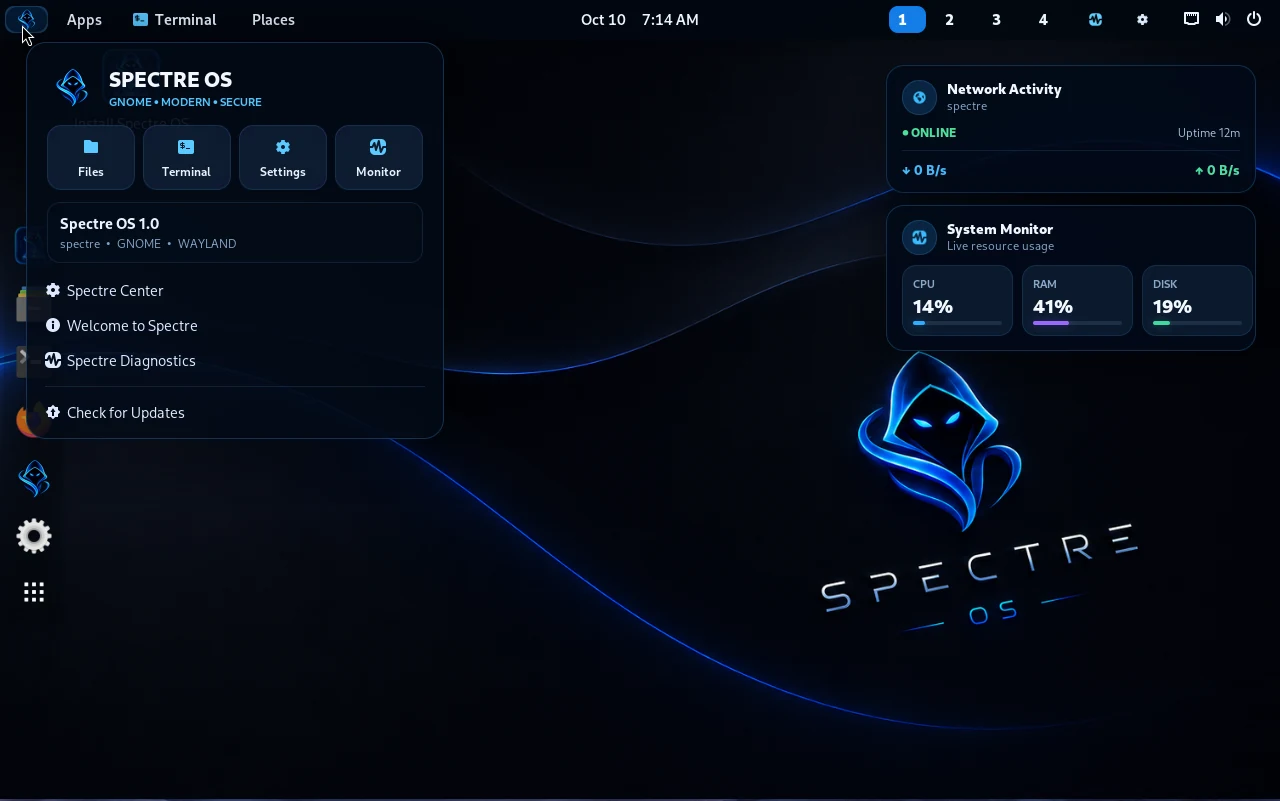
Linux Spectre is intended to be used as a general-purpose computer. The tested image includes a customized GNOME desktop, Spectre branding, application access, file management, network controls and terminal access.
Browse the web, organize files, use desktop applications and develop software through the Linux host.
Open ToolHub when you need to explore or install Kali security packages in a separate container.
Spectre-themed wallpaper, desktop accents, a login experience, system widgets and native ToolHub styling.
The installed system identified itself as 7.1.8-spectre.
The screenshots show real project desktop captures. Visual layouts can vary by display size and version.
Host vs. Kali container
The most useful distinction in Linux Spectre is knowing where software is installed.
- Desktop host
- The Debian-based GNOME system responsible for ordinary applications, user files and the main package database.
- Kali toolbox
- A separate Linux container where Kali-specific APT packages are installed. It does not change the host distribution into Kali.
- Container root
- ToolHub runs APT as root inside the Kali container through the rootless runtime; this does not mean the caller has normal root control over the desktop host.
Files, accounts and settings
- Store ordinary documents and programming projects in your home directory on the host.
- Use standard GNOME settings for appearance, networking and accessibility.
- Install everyday software using appropriately configured host repositories and trusted software sources.
- Treat terminal commands copied from the internet as untrusted until you understand the effect.
- Do not assume a file in your desktop home directory automatically exists inside the Kali container.
Update strategy
Linux Spectre has two software-update surfaces: the desktop host and Kali Rolling inside the container. They must be maintained separately. Debian is known for a stability-oriented release ecosystem, but the total security and stability of a customized OS depends on its actual repositories, kernel and installed packages.
grep -RhsE "^[[:space:]]*deb " /etc/apt/sources.list /etc/apt/sources.list.d/*.list 2>/dev/null | head -30sudo apt updatepodman exec spectre-kali-toolbox apt-get updateReview proposed upgrades and take a backup before applying broad host or Kali Rolling changes. The podman exec command requires a running container; open ToolHub or start it first.
Privacy and security basics
- Use a separate, non-admin account for routine desktop work where possible.
- Keep browsers, the host package manager and Kali packages current through trusted sources.
- Back up critical files before experimenting with security tools or container settings.
- Rootless Podman helps limit privilege exposure; it is not a hardened sandbox or proof of isolation.
- Run reconnaissance and penetration-testing utilities only where you have explicit authorization.
Where to go next
For tool installation see the ToolHub handbook; for update issues or container problems see the troubleshooting guide.