
The idea
I built Linux Spectre because I wanted one computer environment for everyday work and cybersecurity learning. I admired Kali Linux’s established penetration-testing ecosystem, but I did not want to make a security-assessment distribution my default desktop for every task.
I also drew naming and styling inspiration from the streamlined Windows project commonly called Ghost Spectre. My aim was not to port that project or reproduce Kali Linux. It was to create an independent Linux system with its own desktop identity and a different daily-use-first approach.
The problem I wanted to solve
Studying Linux, programming and security tools across different installations or environments can interrupt daily work.
Mixing specialized Kali packages into a general desktop can make package and dependency management harder.
Security learners may know they need a tool category without knowing every command or package name.
A one-off customized VM is not the same as an installable system that retains its fixes on fresh installations.
These are project motivations and engineering design goals, not a claim that all other Linux distributions are unsuitable for daily use.
The solution
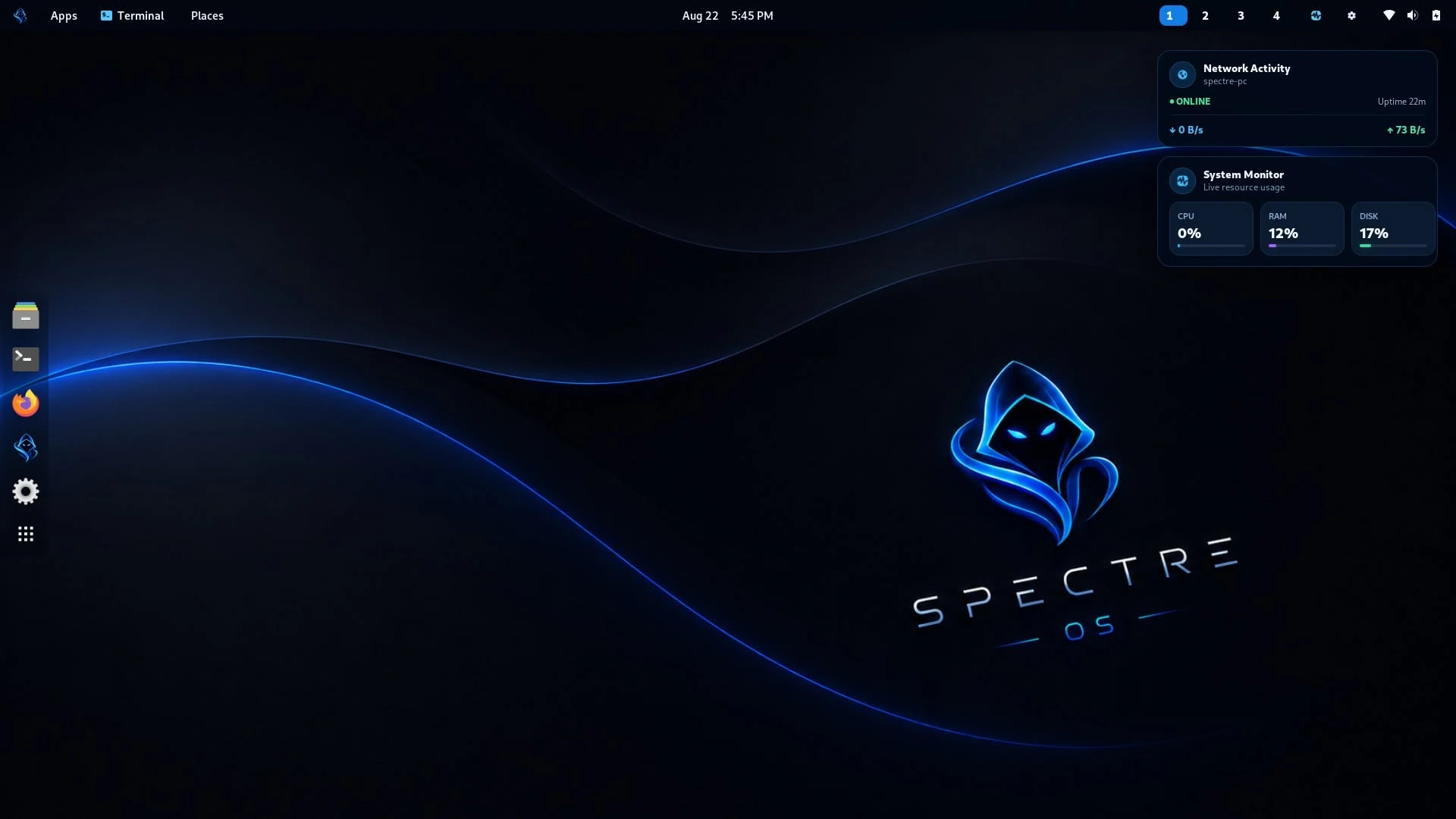
Linux Spectre combines a Debian-based GNOME desktop with Spectre ToolHub and a separate Kali Rolling container. ToolHub provides a bundled searchable catalog of 760 entries, pulls Kali on demand and installs selected packages with Kali’s own APT manager.
The user gets a normal Linux desktop for ordinary computing while retaining a discoverable, reusable security-tool workflow.
The difficult parts
- Rootless account provisioning
- The first permanent subuid/subgid service attempt ran into account-lock contention. A corrected startup/provisioning approach was built and qualified in a fresh installation.
- VirtualBox display resizing
- The custom kernel did not have matching headers for the vendor Guest Additions kernel-module build. Working userspace integration was verified and then embedded into a cumulative ISO.
- Portability and release discipline
- Accepted changes were integrated into the authoritative source and tested through a new ISO rather than existing only as patches to one running VM.
- Kali persistence
- After reboot, the existing rootless Kali container could be started again and Nmap remained installed, demonstrating retained package state.
What was actually validated
- A complete ~1.8 GB installable ISO passed SHA-256 integrity verification.
- A fresh VirtualBox guest installed and booted the customized GNOME desktop.
- The installed kernel reported
7.1.8-spectre. - The VirtualBox display service and userspace clients were active in the tested guest.
- The rootless Podman account provisioning service reported success.
- Nmap 7.99 executed inside the Kali container and remained installed after a guest reboot.
What Linux Spectre represents
To me, Linux Spectre is a practical systems-engineering project: packaging an operating system, integrating a native desktop UI, managing two package environments, debugging user namespaces and guest display services, and making sure accepted changes survive the next clean installation.
The wider goal is an approachable daily Linux desktop with cybersecurity capabilities when the user actually needs them.
Independence and attribution
Linux Spectre was independently created by CodeDev by Edward. Kali Linux, Debian, GNOME, Podman, Oracle VirtualBox and Ghost Spectre are separate projects. Naming inspiration does not establish affiliation or endorsement.
For technical details visit Architecture; for normal usage visit Daily Desktop; for the 760-entry tool catalog visit ToolHub.